Pixelate Photo Online
Pixelate photo files in your browser. Pixelate an entire image or selected areas online. Hide faces, text, license plates, and sensitive details directly in your browser.
Free • No signup • Images stay on your device
Your images stay private
Images are processed locally in your browser and are never uploaded to our server.
See the difference
Small edits. A visible difference.
Explore what you can cover, keep clear, or turn into a mosaic with Pixelate Photo.
Blur a face in a photo with a mosaic.
Before

After pixelation
Preparing preview…
Share the conversation, hide the details.
Before
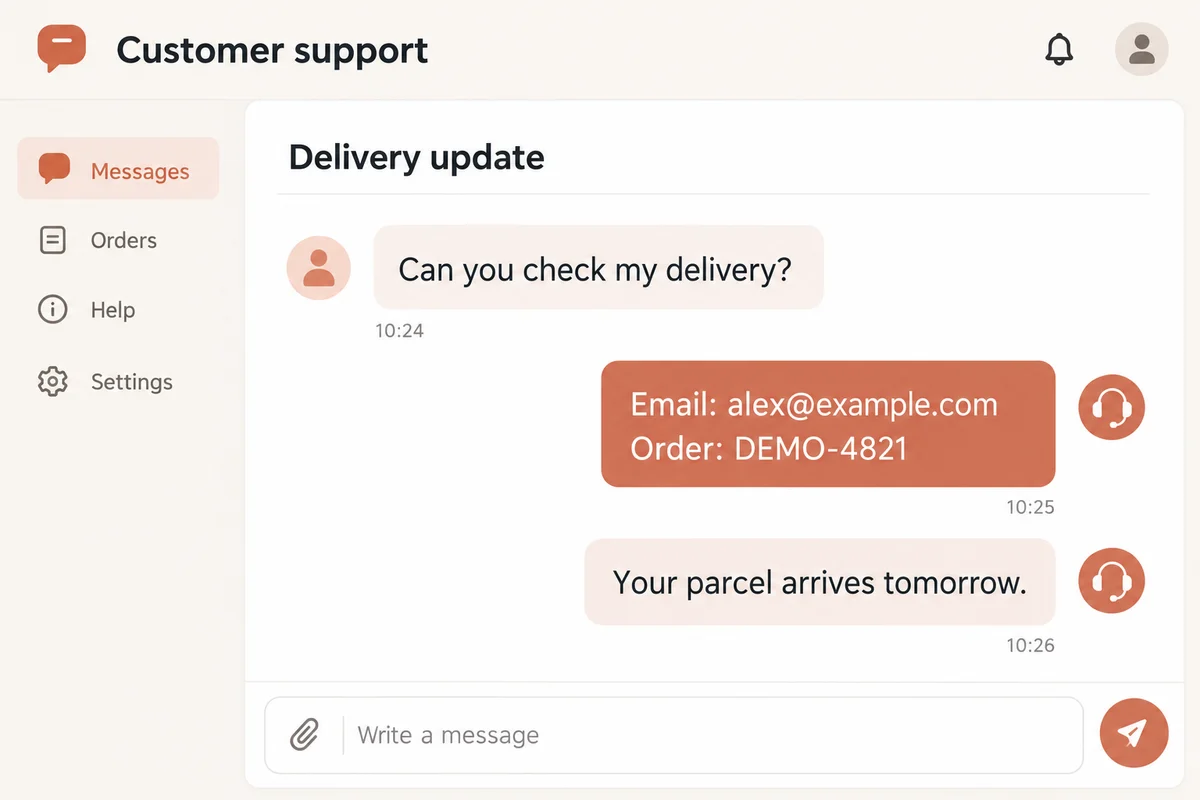
After pixelation
Preparing preview…
Hide a license plate. Keep the car clear.
Before
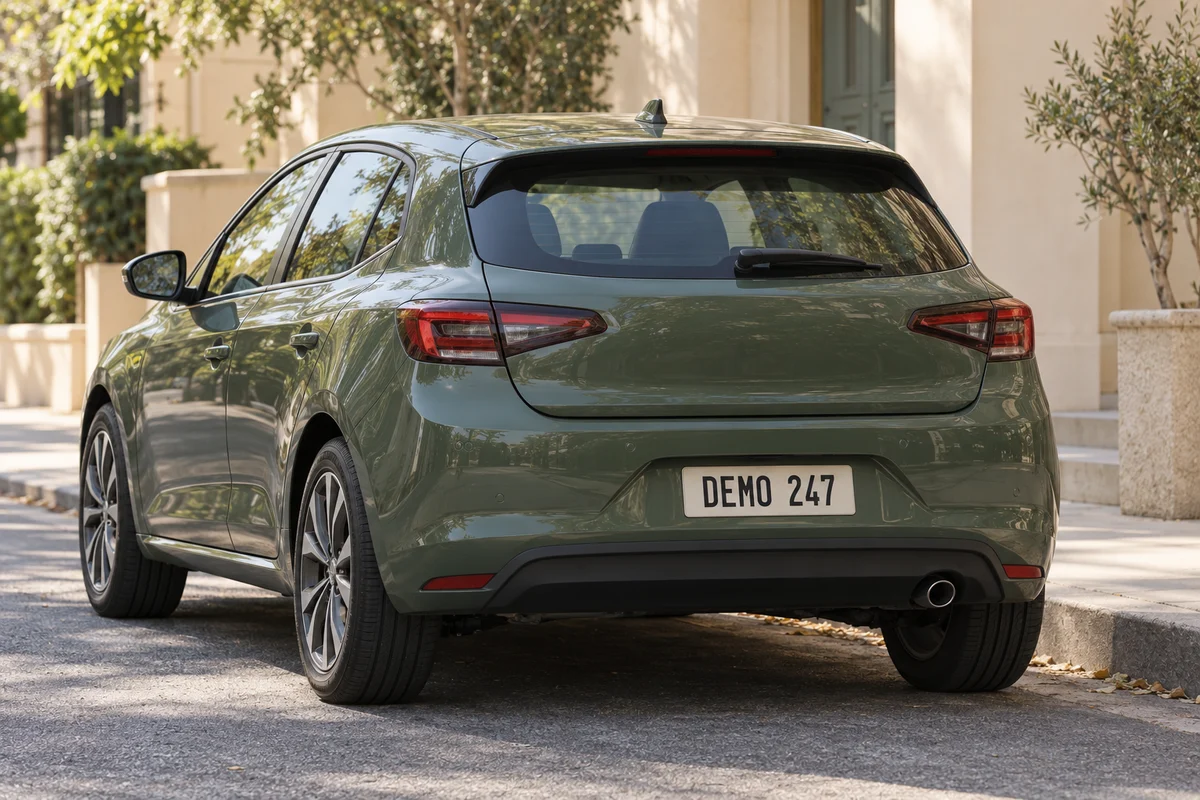
After pixelation
Preparing preview…
Change only the part you choose.
Before

After pixelation
Preparing preview…
Censor image details. Keep the context.
Before
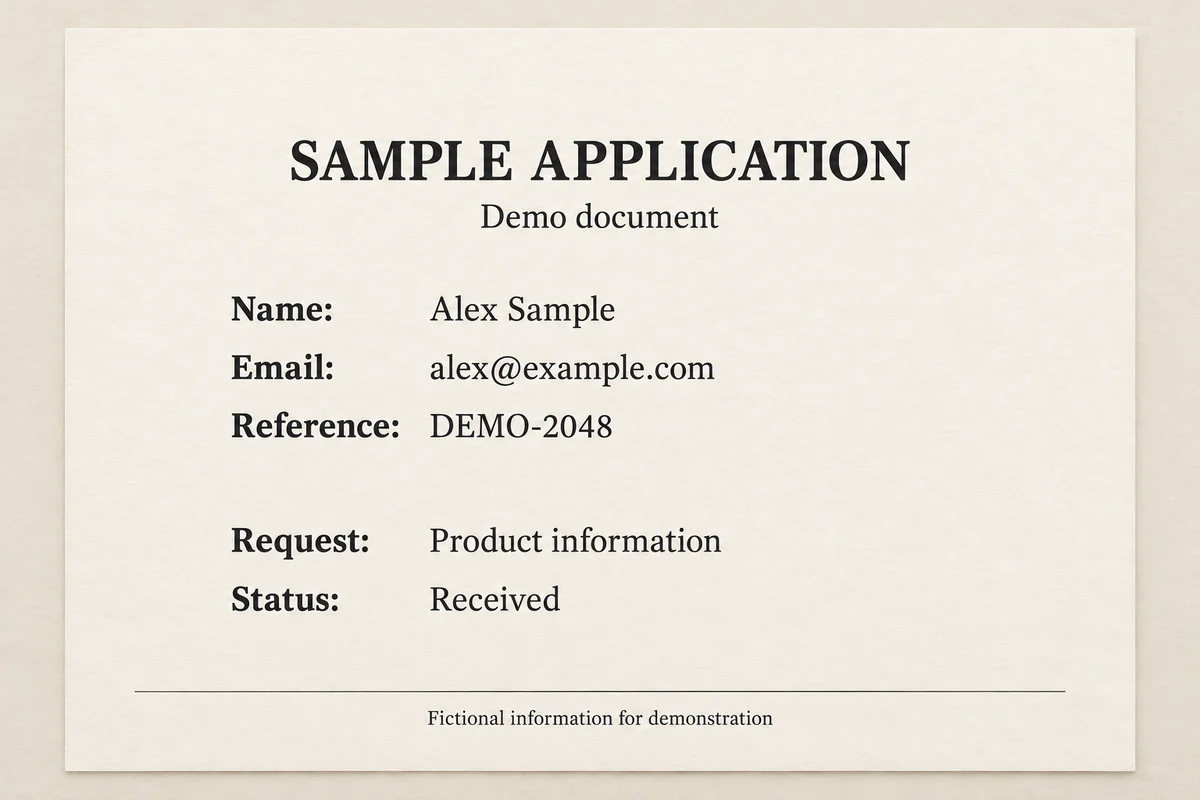
After pixelation
Preparing preview…
From a photograph to a blocky mosaic.
Before
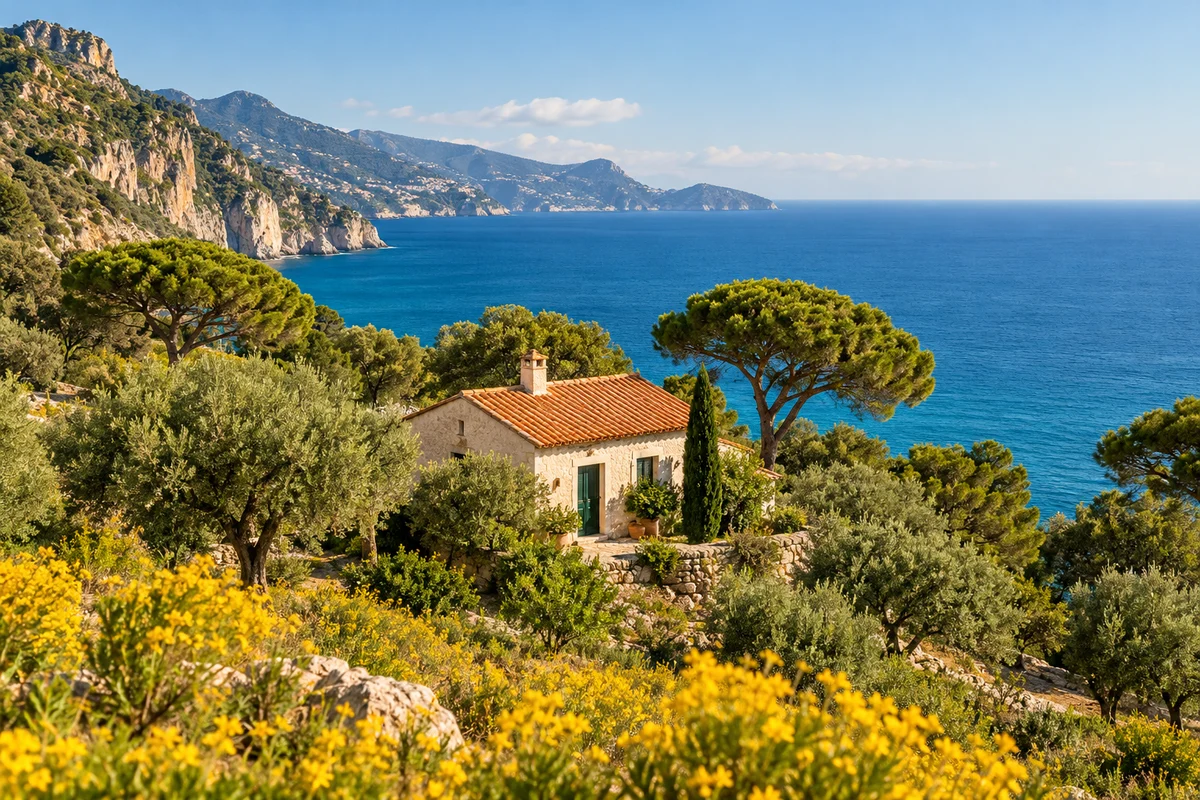
After pixelation
Preparing preview…
AI-generated sample images with fictional details. Effects are rendered with the same pixelation engine as the editor.
How to Pixelate Photo Online
- 1
Upload your image
Choose a JPG, PNG, or WebP image from your device.
- 2
Adjust the pixel size
Use the slider to control the strength of the pixelation effect.
- 3
Choose what to pixelate
Apply the effect to the whole image or switch to selected-area mode.
- 4
Select sensitive areas
Use the rectangle or brush tool to pixelate faces, text, license plates, or other private information.
- 5
Download your image
Preview the result and download the finished image without a watermark.
Want a more detailed walkthrough? Follow our step-by-step How to Pixelate a Photo guide.
Why Use Our Photo Pixelator?
Free to use
No account required
Browser-based processing
Images never leave your device
Selective pixelation
Real-time preview
No watermark
Works on desktop and mobile